🎬 A production crew in your back pocket Log in

You direct. We crew.

Start with your idea and the Faceless Channel AI crew works alongside you — helping you craft the script, recording the voiceover, storyboarding, illustrating every scene and mixing the sound. You review each shot and make the final call. It’s the production team a faceless channel could never afford to hire — now in your back pocket, from first idea to finished upload.

No camera · No face · Own everything you make · You approve every shot
A faceless video scene generated by Faceless Channel
📜 Documentaries 💡 Explainers 🎞️ Video essays 🔟 Top-10 lists 📖 Narrated stories 🔥 Motivational

What is Faceless Channel?

Faceless Channel is an AI production crew for faceless YouTube videos — documentaries, explainers, video essays, top-10s and narrated stories where nobody appears on camera. You bring an idea or a script; it helps write the scene-by-scene script, performs the narration, illustrates every scene in one of 13 visual styles, keeps recurring characters consistent from scene to scene, adds sound and times the cut. You approve every shot before it renders. It is free to start (100 credits a month, no card), with Creator at $29 and Studio at $79 a month.

The grind is real

A great video takes a whole crew.
You’ve been doing all their jobs yourself.

A real production has a writer, an art director, a voice actor, a sound designer, an editor — a dozen people. On a faceless channel, it’s just you at 2 a.m. Faceless Channel hands each of those jobs to a specialist, so you can focus on the one job that’s actually yours: directing.

How it works

From ideation to release — you are leading each step.

STEP 1

Start with a spark

Paste your script, or just type the idea. Faceless Channel shapes it into a scene-by-scene script you can edit line by line.

STEP 2

Pick a voice

Choose a narrator from natural, real-sounding voices and accents. Your whole script is voiced in seconds — re-record a single line anytime.

STEP 3

Build the Storyboard

Every line becomes a scene. Faceless Channel generates the visuals, keeps your characters consistent, and syncs everything to the narration.

STEP 4

Review & ship

Fly through your scenes, swap any you don’t love, add sound, then export a finished video packaged and ready for YouTube.

Meet your crew

The specialists you couldn’t afford to hire.

Every job a real production hands to a different pro — writing, art, casting, sound. You give the notes; they do the work.

AI Art Director

Illustrates every scene in one look

No more scrubbing stock sites for clips you half-own. Your art director reads the script and paints each moment in a consistent style — a Roman forum, a rain-soaked alley, the edge of a black hole. Original footage, made to your brief.

History scene generated by Faceless Channel
AI Storyboard Artist

Three takes on every scene — you pick the winner

For any moment you get three genuinely different boards to choose from — distinct creative directions, not near-identical variations — so you’re never stuck talking yourself into the one option a tool happened to spit out. Love none of them? Reroll for three fresh takes.

Take one
Take one — one direction
Take two
Take two — a different angle
Take three
Take three — another entirely
AI Casting Director

Keeps your cast looking like your cast

Recurring people stay recognizable from the first scene to the last — same face, aged up or down to fit the story. Cast a likeness from a description, or from real open-licensed reference photos. No more “wait, is that the same guy?”

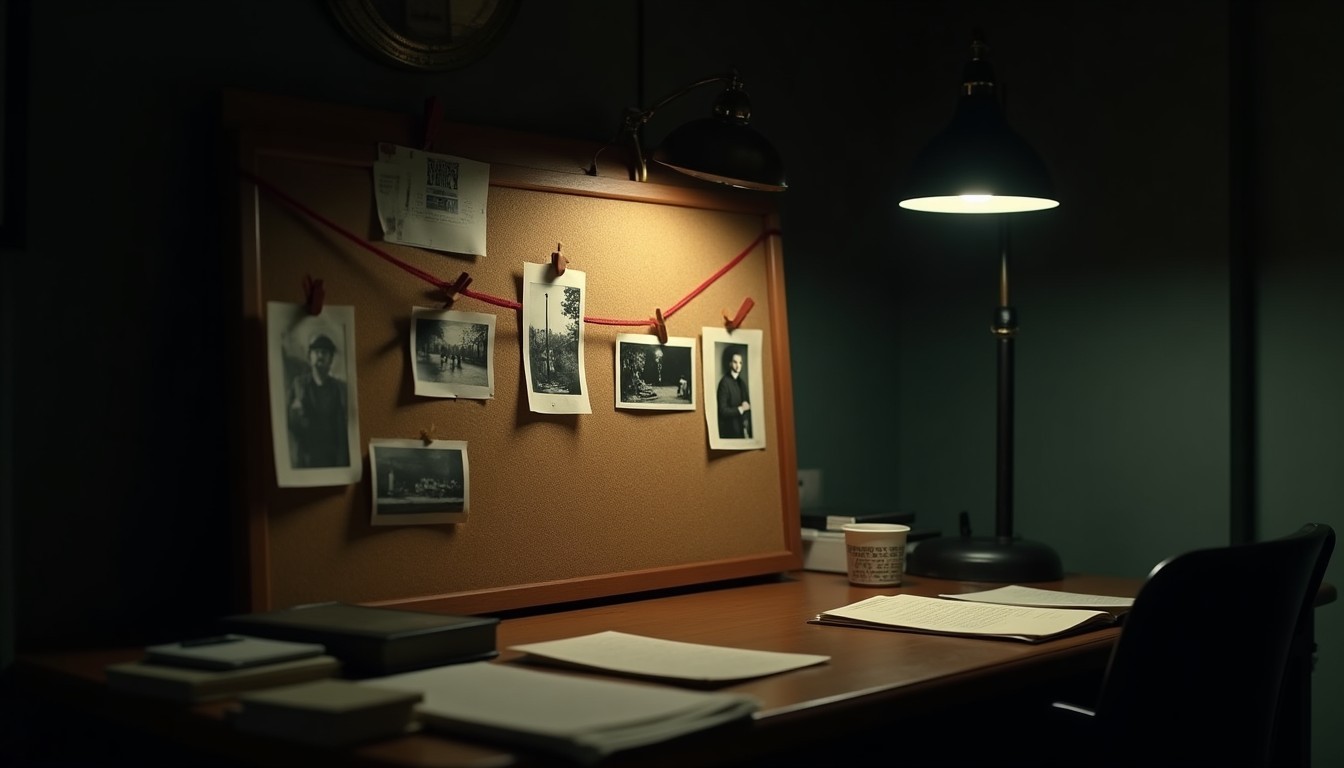
True crime scene
AI Sound Designer

Scores the moment, not just the montage

Ambient beds and one-shot effects — distant thunder, a single gunshot echo, a bustling market — placed exactly where they land in the narration. Your video goes from “slideshow” to “cinema” without you ever opening a DAW.

Mystery scene
Director’s chair

And you? You’re still the director.

The crew does the work — but every call is yours. Fly through your whole video in Quick Review: arrow through the options, approve or flag with a keystroke, reroll anything that isn’t right. Nothing ships that you didn’t choose — the difference between a tool that enables a creator and one that tries to replace them.

Business scene
…and the rest of the department
✍️

AI Writers’ Room

Turns your idea — or a pile of messy notes — into a tight, scene-by-scene script built to actually retain.

🎙️

AI Voiceover Artist

Performs the narration in the voice and accent you pick — and re-records a single line seamlessly when you tweak the script.

🎬

The AI Editor

Times every scene to the narration. Change a line and the cut re-times itself — no keyframes, no render-and-pray.

📍

AI Location Scout

Locks your recurring places so every scene set there matches — shot after shot, video after video.

📦

AI Packaging & Release

Preps the title, a thumbnail-ready hero frame, an optional AI disclosure, and the final export — ready to upload.

⚖️

AI Rights & Clearances

Reference imagery pulls only from public-domain & Creative-Commons sources, with the receipts tracked for you.

Made with Faceless Channel

Any niche. Any format.

History deep-dive or 60-second explainer, true-crime doc or narrated bedtime story — if it’s voiceover over visuals, it’s built for you. A few frames pulled straight out of the app; every one started as a single line of script.

From the edit bay

Less grind. More uploads.

“I built this because I was spending months on every documentary. Now with a full crew, I can focus on navigating instead of driving. I’m able to focus on video direction and quality rather than getting bogged down with time-consuming tasks that don’t actually move the needle.”

— Adrian, founder · runs a history documentary channel

“Three genuinely different directions for every scene. I stopped settling for the first image, and the videos look like somebody made choices.”

— Adrian, on the storyboard step

“The same face, scene after scene. Character consistency was the thing I couldn’t get from any other tool.”

— early beta tester
Pricing

Start free. Upgrade when you’re ready.

Starter
$0 / forever

Make your first videos and get the feel.

  • 100 credits / month (~3 minutes of video)
  • Standard image quality
  • Standard narrator (preview Premium voices)
  • 5 sound effects
  • Quick Review + 3 concepts per scene
Start free
MOST POPULAR
Creator
$29 / mo

About seven minutes of video a month, done right.

  • 500 credits / month (~14 minutes of video)
  • Premium image quality
  • Premium narrator voices & accents
  • Unlimited* sound effects
  • Character & location consistency
  • Credits on demand — never capped, top up any time
Go Creator
Studio
$79 / mo

For channels shipping on a schedule.

  • 1,500 credits / month (~40 minutes of video(s))
  • Everything in Creator
  • Priority generation queue (faster when things are busy)
  • Credits on demand — never capped, top up any time
  • Reusable character library
  • Early access to new features
Go Studio
Pro
$129 / mo

For channels publishing every week.

  • 3,000 credits / month (~85 minutes of video(s))
  • Everything in Studio
  • Several channels, each with its own crew
  • Priority rendering
  • Priority support
  • Credits on demand — never capped, top up any time
Go Pro

Images, narration & sound effects all draw from your monthly credits — about 35 credits per minute of video. Need more? Top up any time at $0.10 / credit. *Unlimited quantity — each generation uses credits.

FAQ

The stuff you’re actually wondering.

Do I need any editing or design skills?

Nope. If you can write a sentence or paste a script, you can make a video. Faceless Channel handles the visuals, voiceover, timing, and sound — you just review and pick what you like.

Do I own what I make?

Yes — it’s your video, yours to upload and use however you like. Reference imagery is pulled from public-domain and Creative-Commons sources, and you can add an AI disclaimer with one click to stay on the right side of platform rules.

Can I use my own script and voice?

Absolutely. Paste your finished script or write it in the app, and pick from a range of natural narrator voices. Prefer to guide every shot? You can. Prefer to hit generate and review? That works too.

What kinds of channels is this for?

Any faceless channel where the video is “voiceover + visuals” — documentaries, explainers, video essays, top-10 lists, narrated stories, motivational, brand stories, and more, across every niche from history to true crime to space. If you’re not filming your face, it’s built for you. (What it’s not: dialogue-driven films or animation with talking characters — it’s narrated video, done exceptionally well.)

Is this just an “AI slop” button? Will YouTube be OK with it?

It’s the opposite of a content farm. Faceless Channel is a crew that assists you — you set the direction, review every scene, choose between takes, and make the final call, so what you upload is your creative work, not a template churned out at scale. It also adds a one-click AI disclosure so you stay square with platform rules. The aim is original videos your audience actually finishes, made faster — not slop.

How long does a video take?

A short can be done in minutes; a full-length documentary in an afternoon instead of a week. Most of your time goes to reviewing and picking favorites — the fun part.

Will my characters look consistent across scenes?

Yes. Recurring people and places are locked to a consistent look and carried through every scene, aged to fit the story — so your narrator, subject, or villain is recognizable from intro to outro.

How much does Faceless Channel cost?

Starter is free forever — 100 credits a month, no card, standard quality with a watermark. Creator is $29 a month for 500 credits (about seven minutes of video) with premium image quality and premium voices; Studio is $79 a month for 1,500 credits (about 20 minutes); Pro is $129 a month for 3,000 credits (about 45 minutes) with several channels, each with its own crew. Top up any time at $0.10 a credit; purchased credits never expire, and you see the exact credit cost of a video before you render. Cancel whenever you like.

How is this different from InVideo, Pictory or Fliki?

Those are one-click generators built mostly on stock footage: you get the whole video back and regenerate if you don’t like it. Faceless Channel is a crew you direct: original illustrations in one consistent style, a cast that stays recognizable, three creative directions for every scene, and nothing renders until you’ve approved it. The sourced, dated comparison is on our compare page.
Your next upload is one idea away.

Start free, make something today, and see why creators are ditching the 20-hour grind.

Start free — no card →